
Personal Files
# 1.1 Configuration Files
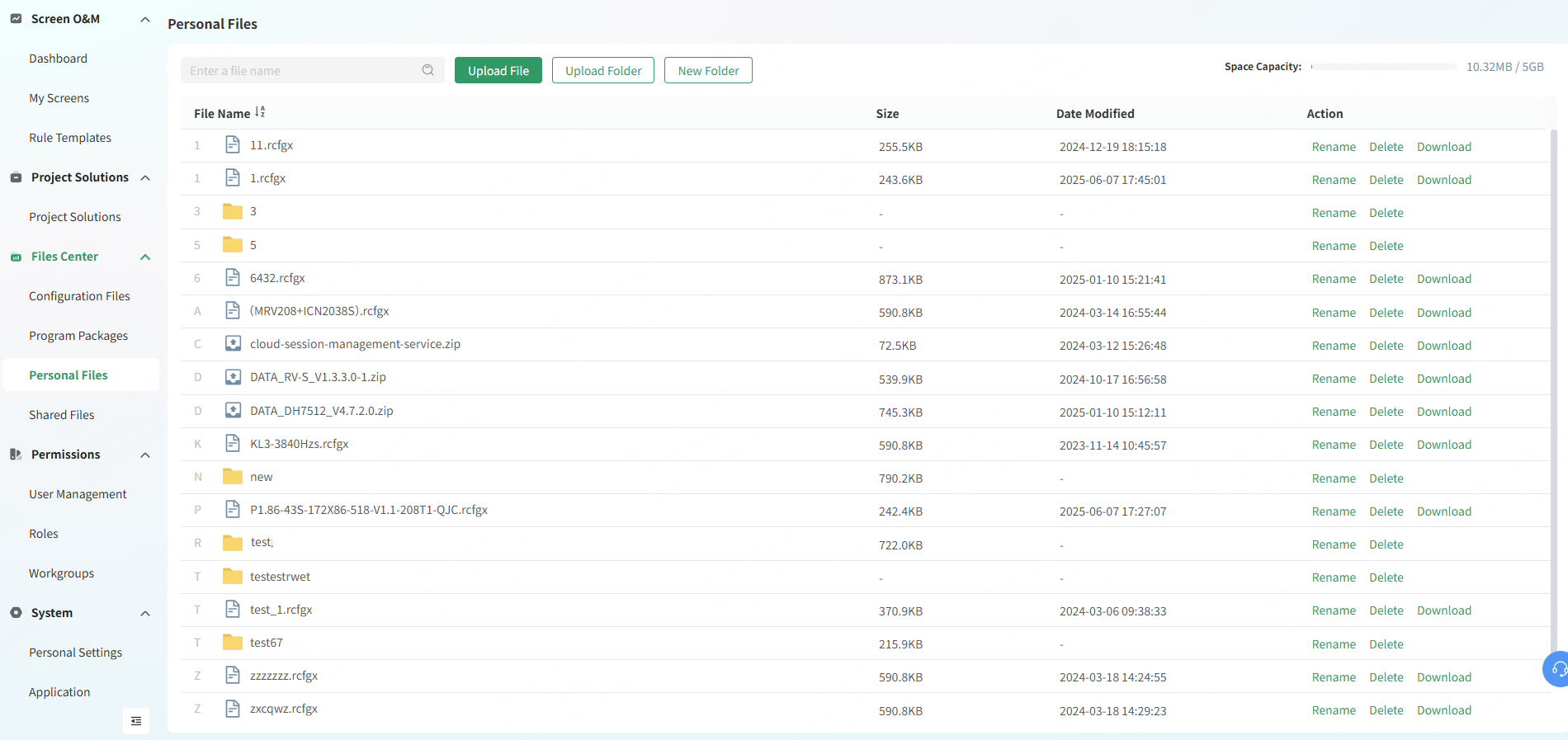
- From the navigation bar on the left, choose Files Center > Personal Files.
- On the page that appears, do the following as required.
- Click Upload File. From the displayed window, select the files to be uploaded and click Open.
- Click Upload Folder. From the displayed window, select the folder to be uploaded and click Upload.
- Click New Folder. In the displayed window, enter a name for the folder and click OK.
Note: The following requirements must be satisfied when users upload configuration files.
- Configuration files only in .rcfgx or .rcfg format, module information files only in .module format, and firmware packages only in .zip or .rar format can be uploaded.
- A single configuration file must be less than 20 MB.
- In the Action column, click Rename, Delete or Download to rename, delete or download the uploaded or newly created files or folders as needed.
Note: Accounts with sharing permissions can share files from their personal files with others.